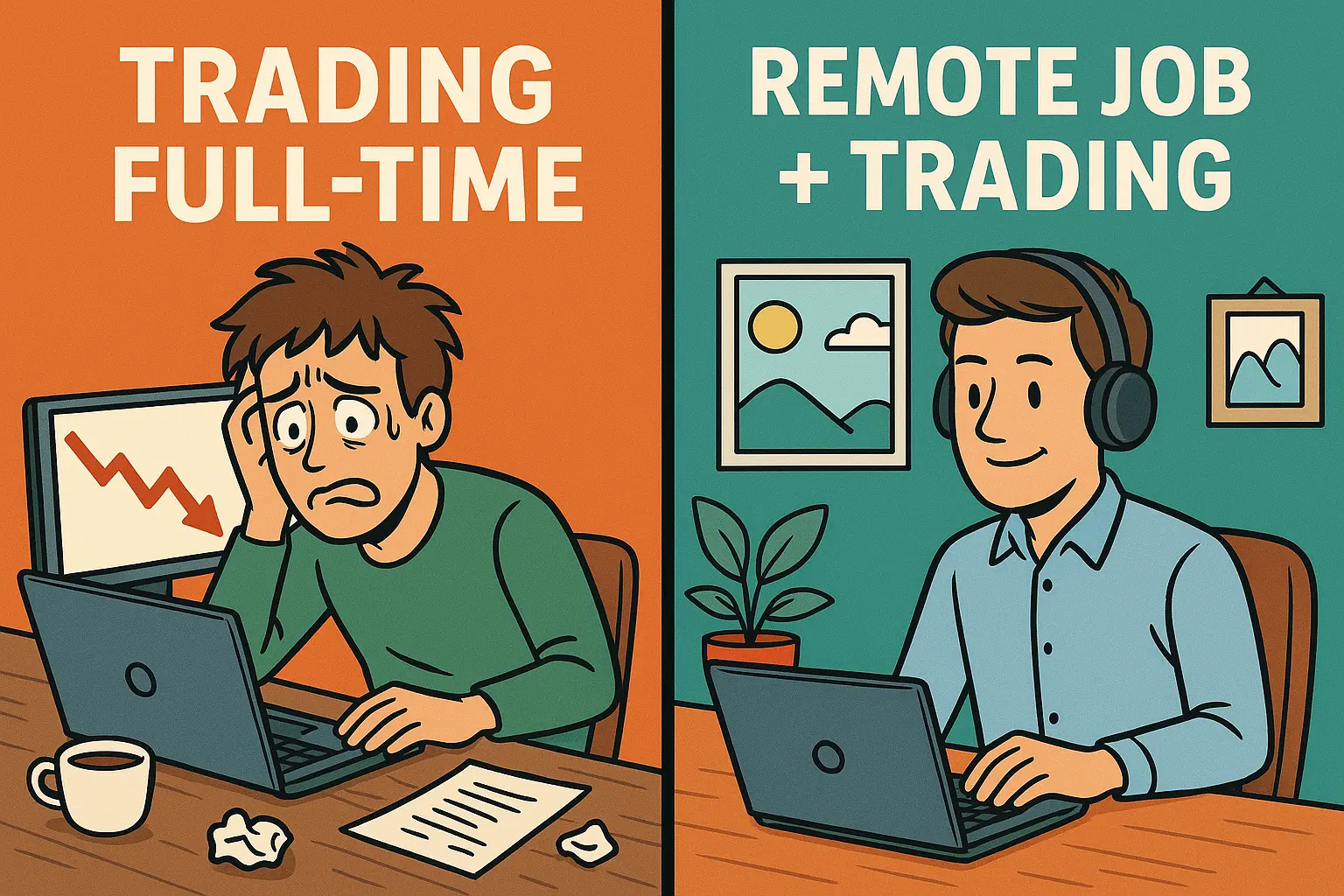
Many traders dream of going full-time, but the reality is often more brutal than glamorous. Here’s why keeping a remote job while trading might be the smartest path to long-term wealth.
Four beaten-down companies worth studying this week. Not automatic buys, but potential opportunities to prepare for.
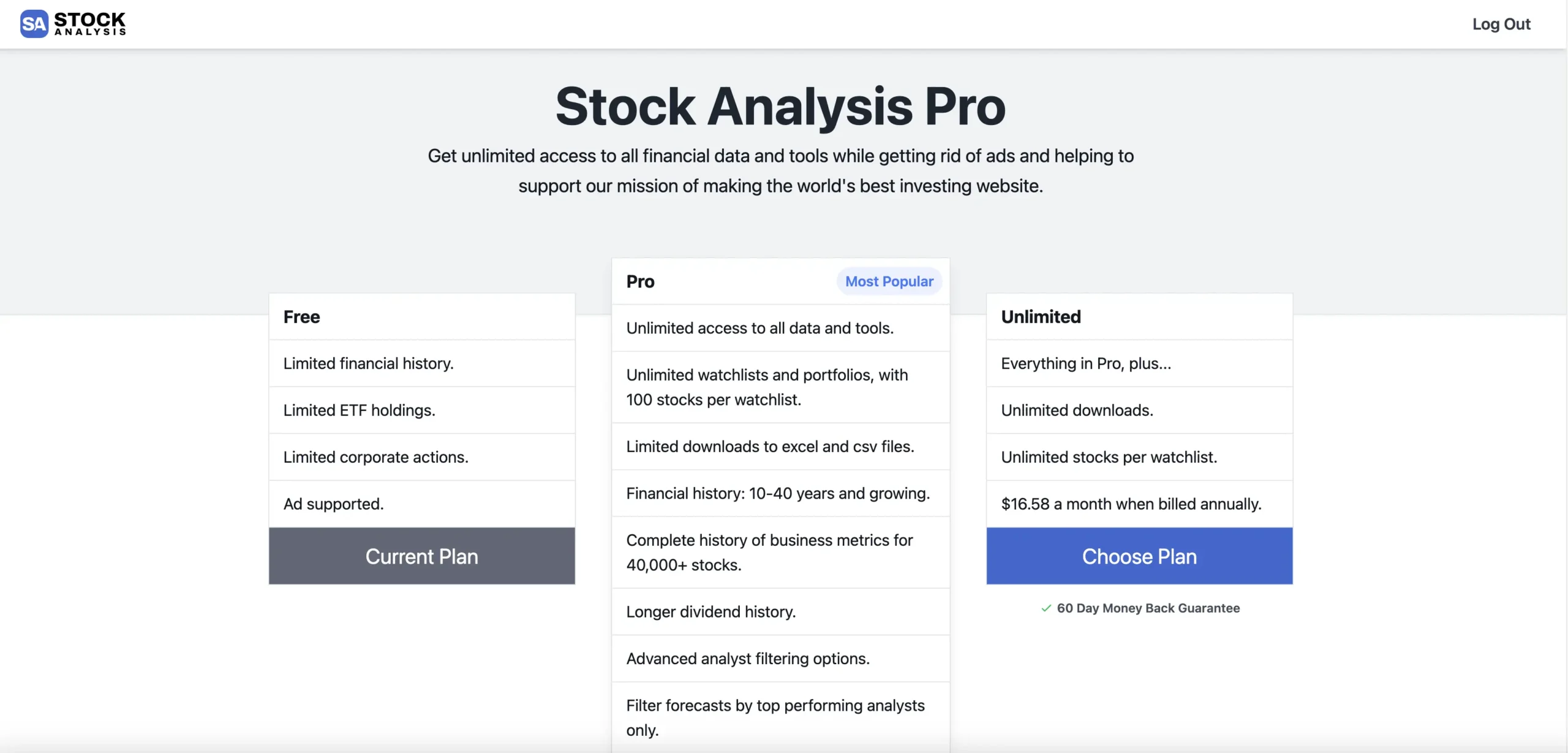
Stock Analysis Pro gives investors unlimited access to decades of financial data, advanced screeners, ETF holdings, and ad-free research tools — all for just $5.92/month when billed annually. In this review, I break down its features, pricing, and whether it’s worth it.
Trading is brutal. If your goal is just to cover bills instead of getting rich, you’re setting yourself up for failure. Here’s why having a job first may be the smartest path to long-term trading success.
Trading isn’t about staring at quotes nonstop. Stepping away for lunch gives you the reset you need to think clearly, avoid overtrading, and stay sharp.
IBD-style trading doesn’t fit the business model of short-term prop firms like SMB Capital or Kershner. From mark-to-market P&L rules to risk manager pressure, here’s why it never works inside these firms.

A running list of my trades to stay accountable. Updated daily so you can see exactly what I’ve been trading.
A new month means a fresh chance to clean up your trading habits. For me, that means cutting out front-running trades that have been costing me P&L and focus. Pick one thing to fix this month and see how much progress you can make.

Most traders chase too many stocks. The best traders only see setups that fit their strategy. That’s the goal—filter the noise and focus on what you do best.

From my years at SMB Capital & Kershner Trading Group, I learned exactly which tools the most successful traders rely on daily. Get the same advantage they have.

The $150 trading tech stack that’s actually worth it: Stock Analysis, Trade Ideas, and Ask Edgar. Three tools I use daily for less than the cost of dinner out.

Discover the best free market newsletters for investors. These curated emails help you stay informed on earnings, macro trends, tech news, and undervalued stocks.
If you’re serious about trading, one of the smartest moves you can make is following great traders. From eight-figure prop veterans to retail traders who share every detail of their wins and losses, here’s a curated list of some of the best follows right now—people who consistently provide insights, lessons, and real-time perspective on the market.
Learn why front-running your setups kills your win rate and how to avoid this costly trading mistake. Stay disciplined and improve your performance.
Learn how to set up Thinkorswim scanners for overnight momentum trading. Follow our step-by-step guide to add custom scans, columns, and indicators for long and short strategies.
Trading isn’t about rigid rules—it’s about adaptability. Learn why trading is considered an art, not a science, and how top traders think about risk, stops, and intuition.
Ask EDGAR and Dilution Tracker are two of the top tools for tracking offerings and SEC filings. After comparing both, we think Ask EDGAR is the clear winner—offering better pricing, deeper research, a more active community, and a cleaner interface.
Trade Ideas doesn’t offer a native Mac app, but that doesn’t mean you’re out of luck. Whether you’re a casual trader or running complex automated strategies, there’s a solid workaround that fits your setup. In this guide, we break down the best ways to run Trade Ideas on a Mac — from simple browser access to advanced virtual desktops with full feature support. If you're serious about using Trade Ideas on macOS, this post will save you time and frustration.

The standard plan from Trade Ideas is $107 per month and is more than enough!