Get 10% off Stock Analysis with our exclusive discount code below. Works site wide on all plans and is the best offer available.

Keeping up with the market requires fast, reliable access to clean data. StockAnalysis.com is built to deliver institutional-quality financial data in a format that’s easy to understand and quick to act on.
At its core, StockAnalysis.com is a fundamentals-first research platform. Users can quickly analyze financial statements, valuation metrics, growth trends, analyst estimates, and key ratios across 120,000+ stocks and funds, including every company in the S&P 500 and spanning 112 international exchanges, all presented in a clean and consistent layout.
In this StockAnalysis review, I’ll break down key features, limitations, and whether upgrading to their paid versions is worth it for your style of investing.
StockAnalysis.com pulls data from a combination of enterprise-grade and trusted market data providers, including S&P Global Market Intelligence, Cboe, Nasdaq, NYSE, Benzinga, Finnhub, Nasdaq Data Link, Financial Modeling Prep, and Fiscal.ai, making it easy to compare companies, track performance over time, and identify meaningful changes across fundamentals, pricing, analyst estimates, and key metrics.
StockAnalysis.com also shines when it comes to usability. Much of the core data is available for free, including essential financials and basic research tools, while Pro and Unlimited unlock deeper historical data, advanced metrics, and full access to ETF holdings and corporate actions. Pro adds extended financial and dividend history, complete business metrics, advanced analyst filtering, saved screeners, expanded data tables with hundreds of indicators, unlimited watchlists and portfolios, download access, dark mode, and an ad-free experience.
Unlimited includes everything in Pro, with the addition of unlimited downloads and unlimited stocks per watchlist, making it better suited for power users and data-heavy workflows. The interface remains intentionally straightforward, keeping the platform accessible for long-term investors while still offering the depth and flexibility active, research-driven traders need. In this review, I’ll break down what StockAnalysis.com does best, where it falls short, and whether upgrading to Pro or Unlimited makes sense for your investing style.
Pros:
Cons:
StockAnalysis.com offers a free plan alongside two paid tiers: Pro and Unlimited. The free version includes access to core financial data and research tools without requiring an account, though it comes with ads and limits on historical depth and advanced features.
The Pro plan unlocks deeper financial and dividend history, full ETF holdings and corporate actions, advanced filtering, saved screeners, downloads, unlimited watchlists, and an ad-free experience. Pro costs $6.58 per month when billed annually and includes a 60-day money-back guarantee.
The Unlimited plan includes everything in Pro, plus unlimited downloads and unlimited stocks per watchlist. It’s priced at $16.58 per month when billed annually and also comes with a 60-day money-back guarantee.
As a bonus for readers, StockAnalysis is currently offering 10% off Pro and Unlimited with code SAVEONTRADING, which works site wide on all plans and comes with the same 60-day money-back guarantee.
StockAnalysis.com lets you start researching stocks immediately, with no account or email required. As an anonymous visitor, you can view financial statements, valuation metrics, ratios, dividends, charts, analyst estimates, and company comparisons across global markets.
The free plan is genuinely usable but comes with limits. Historical financial data is capped, ETF holdings and corporate actions are restricted, and downloads are unavailable. For quick research, this is more than enough, but deeper analysis quickly runs into limits.
The free experience is ad-supported, with ads displayed throughout the site. They’re noticeable during longer research sessions, though not overly disruptive. Given the amount of data available without registering, the tradeoff feels reasonable.
Creating a free account unlocks a small but useful upgrade. Registered users can save watchlists, making it easier to track stocks over time without starting from scratch. Other core limitations remain in place, including restricted historical data, limited ETF holdings and corporate actions, and no downloads.
Ads are still present, and advanced features like saved screeners and deeper data access are reserved for paid plans. While registration isn’t required to use the platform, saving watchlists alone makes it worthwhile for regular users.
Upgrading to StockAnalysis Pro removes ads and unlocks deeper historical financials and dividends, full ETF holdings and corporate actions, advanced analyst filtering, saved screeners, expanded data tables, downloads, and unlimited watchlists and portfolios.
For most investors, Pro offers the best balance of cost and functionality. The Unlimited plan includes everything in Pro, plus unlimited downloads and unlimited stocks per watchlist, making it better suited for power users and data-heavy workflows.
Both paid plans include a 60-day money-back guarantee, making it easy to test whether an upgrade makes sense.
As a bonus for readers, StockAnalysis is currently offering 10% off Pro and Unlimited with code SAVEONTRADING, which works site wide on all plans and comes with the same 60-day money-back guarantee.
StockAnalysis is built around clear, fundamentals-first research. I was impressed by the depth of financials, valuations, and historical data, and how smoothly everything works together.
For example, after spotting a company worth researching, it’s easy to move between financial statements, valuation metrics, and peer comparisons with just a few clicks.
At times, the amount of data can feel overwhelming for those who don’t have a complete understanding of all financial metrics, but overall the features feel well designed and purpose-built for serious analysis.
The StockAnalysis.com screener lets you filter stocks using a wide range of fundamental and valuation data. It does a good job balancing powerful filtering options with an interface that stays easy to use. Adding or removing criteria felt straightforward, and narrowing a large universe down to a small, focused list was intuitive.
At times, I wanted a bit more guidance or built-in presets to speed things up. Still, the screener remains approachable, especially considering the depth of financial data available.
StockAnalysis.com makes it easy to compare multiple stocks side by side using key financials, valuation metrics, growth rates, profitability ratios, and balance sheet data. You can manually add companies or quickly compare peers within the same industry, with all data presented in a clean, consistent format.
From there, you can drill into individual metrics, switch time periods, and spot differences that aren’t obvious when looking at companies one at a time. The layout keeps everything readable, even when comparing several stocks across many data points.
I appreciated how quickly I could build comparisons and get meaningful insight without jumping between multiple pages or tools.
StockAnalysis.com compiles a steady stream of market and company-specific news directly alongside each stock’s financial data. I liked how news is integrated into the research workflow, making it easy to stay updated without leaving the platform.
The site also provides detailed financial statements, long-term historical data, dividend history, and corporate actions, all presented in a clean, standardized format. While StockAnalysis.com doesn’t emphasize flashy visuals, its data tables and summaries make it easy to understand trends at both the company and market level.
You could piece together this information from multiple sources on your own, but having it centralized in one place—especially with so much available for free—makes research faster and more efficient.
StockAnalysis.com includes built-in charting tools designed to complement its fundamentals-first research. With the free plan, you can view price charts and basic indicators, but functionality is intentionally limited and geared more toward context than active trading.
Upgrading to Pro improves the experience slightly, with cleaner charts and more flexibility when reviewing price history alongside fundamentals. The charts are easy to use and load quickly, but they remain simple by design rather than feature-heavy.
On the downside, StockAnalysis.com’s charting doesn’t compete with dedicated technical analysis platforms like TradingView. It works well as a supporting tool for research and validation, but it’s not intended to be the primary reason to upgrade or the centerpiece of an active trading workflow.
StockAnalysis.com’s stock lists provide a simple way to explore and track groups of stocks based on shared characteristics. While they aren’t a backtesting tool, they’re useful for organizing ideas and spotting patterns across themes, sectors, or custom criteria.
You can browse pre-built lists or create your own by adding stocks you want to monitor. From there, it’s easy to sort by financial metrics, valuation ratios, or performance data to see how companies stack up over time.
I found stock lists helpful for keeping research organized and revisiting ideas without starting from scratch. While they don’t simulate historical strategies the way a backtest would, they serve as a practical alternative for investors who focus on fundamentals and longer-term decision making rather than frequent trading.
StockAnalysis.com includes a dedicated IPO section that highlights recent and upcoming public offerings. It provides key details such as pricing, valuation, exchange, sector, and early trading performance, making it easy to get a quick overview without digging through filings.
I found the IPO section useful as a starting point for research rather than a decision-making tool on its own. It surfaces what’s coming to market and what has recently listed, but deeper analysis still requires reviewing financials and fundamentals elsewhere on the site.
Overall, it’s a clean, no-frills way to stay aware of new listings without being overwhelmed by hype or unnecessary noise
The earnings calendar on StockAnalysis.com offers a straightforward view of upcoming and recent earnings announcements. You can quickly see reporting dates, estimated EPS and revenue, and past results, all laid out in a clean, readable format.
Clicking into a company takes you directly to its earnings history and financial statements, which makes it easy to move from a calendar view into deeper research. I appreciated how well the earnings calendar fits into the broader research workflow instead of feeling like a standalone feature.
While it doesn’t include advanced alerting or trading-focused tools, it works well for investors who want to stay on top of earnings without overcomplicating the process.
Market Bullets is StockAnalysis.com’s daily newsletter that delivers a concise overview of what’s happening in the markets. Instead of long commentary, it focuses on the most important headlines, earnings, macro updates, and notable stock moves, all summarized in a few quick reads.
I liked how skimmable it was. You can get caught up on the market in a couple of minutes without feeling overwhelmed or distracted by noise. Each item links back to deeper data on StockAnalysis.com, making it easy to go from headlines to research.
For investors who want to stay informed without spending hours scrolling news feeds, Market Bullets works well as a daily market check-in rather than a full analysis product.
At first glance, StockAnalysis.com feels clean and approachable. The interface is minimal, with plenty of white space and a clear focus on financial data rather than flashy visuals. You’re not overwhelmed with charts or widgets right away, which makes the site less intimidating for newer investors.
As I spent more time using the platform, I appreciated how consistent everything feels. Financial statements, ratios, comparisons, and historical data all follow the same layout across pages, so once you understand one section, the rest of the site is easy to navigate. Moving between companies and datasets felt fast and intuitive.
That said, StockAnalysis.com doesn’t offer much formal onboarding. There’s no guided walkthrough or interactive tutorial explaining how to use each feature. Instead, the platform assumes you’re comfortable exploring on your own, learning by clicking through data and experimenting with tools.
For most users, this won’t be an issue because the design is straightforward and predictable. Still, beginners looking for step-by-step guidance or built-in help may find themselves turning to external resources. There’s a small learning curve, but once you’re familiar with the layout, the platform is easy to use and efficient for ongoing research.
StockAnalysis.com does an excellent job collecting, standardizing, and presenting fundamental market data in a way that’s both accessible and powerful. Its strength lies in financial statements, valuation metrics, historical data, and clean company comparisons, all delivered through a fast, uncluttered interface.
The free plan is genuinely useful, offering broad access to core data without requiring registration. For investors focused on long-term research, fundamentals, and company analysis, the free tier alone may be enough. That said, upgrading to Pro or Unlimited makes sense if you want deeper historical data, full ETF holdings and corporate actions, advanced filtering, downloads, and an ad-free experience.
Overall, StockAnalysis.com excels as a fundamentals-first research platform. It’s not built for day trading or real-time execution, but for investors who care about understanding businesses and tracking performance over time, it’s one of the most practical tools available.
There are areas where StockAnalysis.com may not be the best fit. Its charting tools are intentionally simple, so traders who rely heavily on technical analysis may prefer a dedicated charting platform like TradingView. While TradingView offers far more advanced charting, its fundamentals and financial data aren’t as cleanly organized as StockAnalysis.com.
For investors focused on portfolio analysis and screening with a heavier emphasis on ratings and presets, tools like Stock Rover can be a solid alternative, though pricing can add up quickly at higher tiers.
Even with these tradeoffs, StockAnalysis.com stands out for how clearly it presents high-quality financial data in one place. If your priority is fundamentals, historical context, and efficient research, it remains a strong choice.
This review is based on hands-on use of StockAnalysis.com across its free, Pro, and Unlimited plans. The platform was evaluated as a research and analysis tool, not a trading or execution platform, with a focus on accuracy, usability, depth of data, and overall value for investors.
Each tool was evaluated across three primary categories: Ease of use, Features, and Cost & value.
StockAnalysis.com is considered highly reliable for fundamental and long-term research. It pulls data from enterprise-grade providers such as S&P Global Market Intelligence, Cboe, Nasdaq, NYSE, Benzinga, Finnhub, Nasdaq Data Link, Financial Modeling Prep, and Fiscal.ai, and is widely used by individual investors, analysts, and finance professionals who prioritize clean, standardized financial data.
StockAnalysis.com is not designed for day trading. While it does provide price charts and market data, the platform is built around fundamentals, financial statements, and historical analysis rather than real-time execution or short-term technical trading. Active day traders will likely want to pair it with a dedicated charting or trading platform.
StockAnalysis.com offers a free plan with limited historical depth and ads. The Pro plan costs $6.58 per month when billed annually and unlocks deeper financial history, advanced metrics, ETF holdings, corporate actions, downloads, and an ad-free experience. The Unlimited plan costs $16.58 per month when billed annually and adds unlimited downloads and unlimited stocks per watchlist. Both paid plans include a 60-day money-back guarantee.
Yes. StockAnalysis.com does not handle trades or hold funds. You’re paying for access to financial data and research tools only, with no direct financial risk tied to using the platform itself.
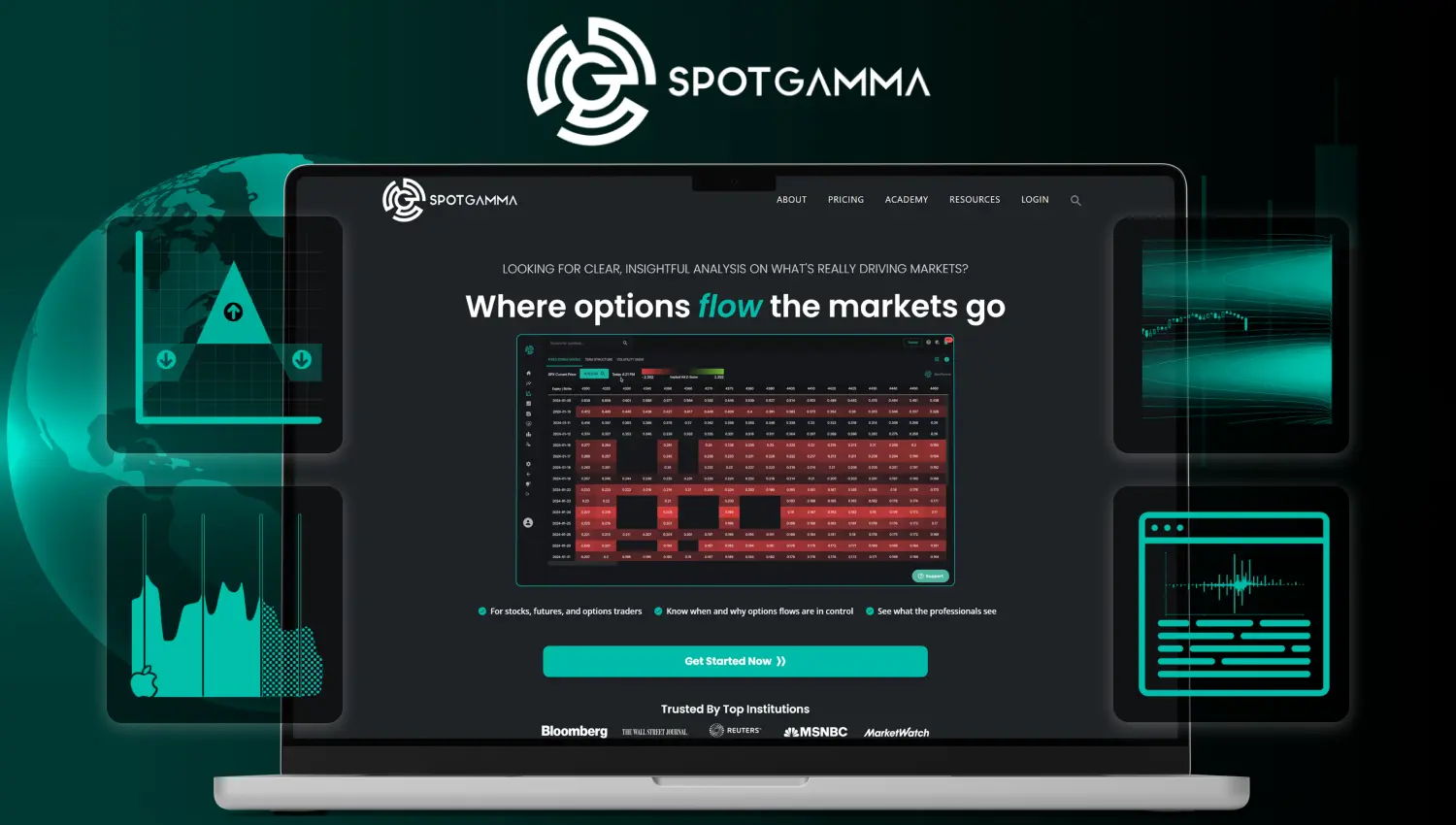
Options market research and analytics platform for tracking gamma exposure, dealer positioning, key levels, options flow, volatility signals, and market structure.
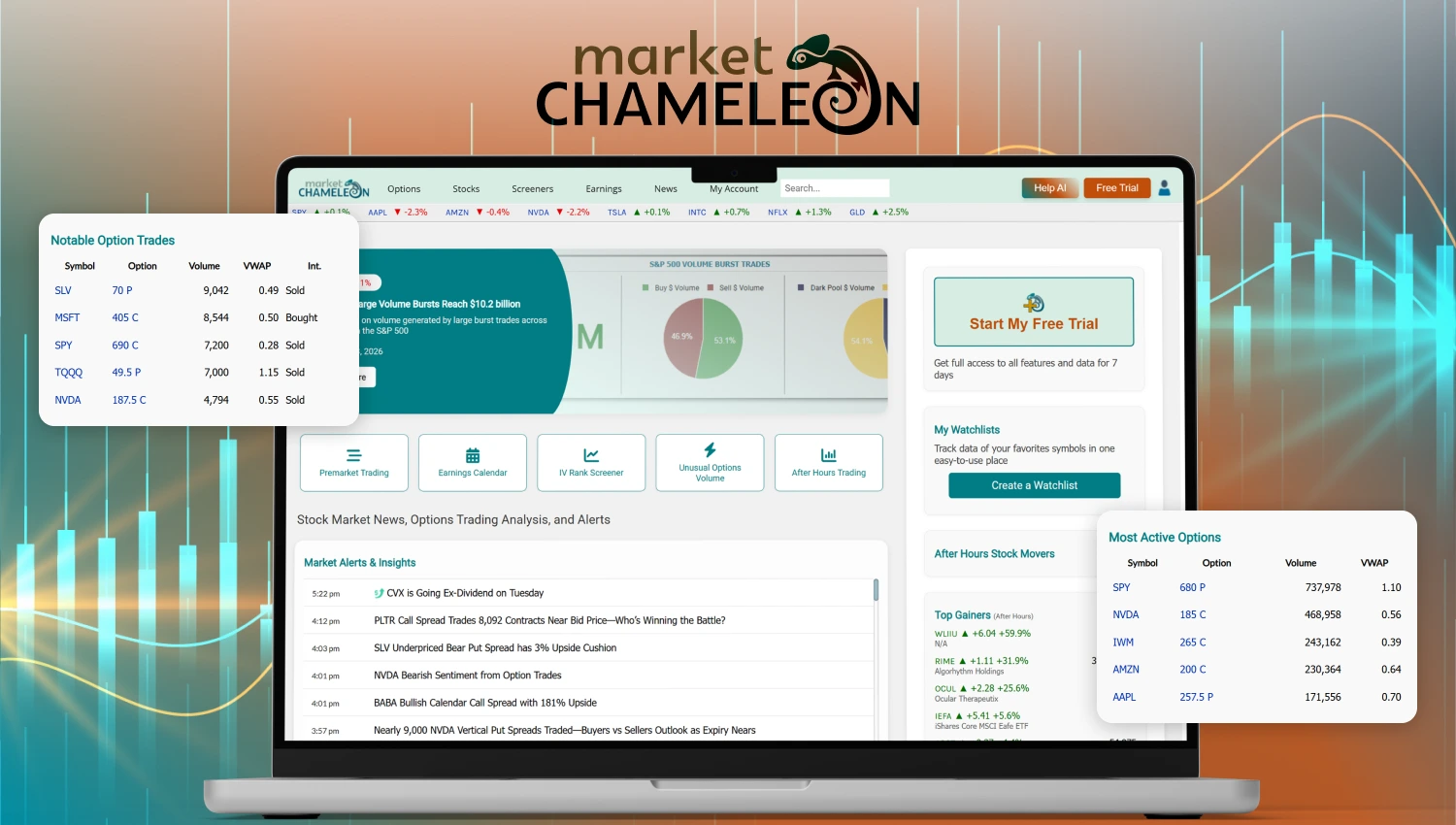
Market Chameleon is a stock and options research platform built to give traders and investors forward-looking insights using options analytics combined with stock fundamentals.
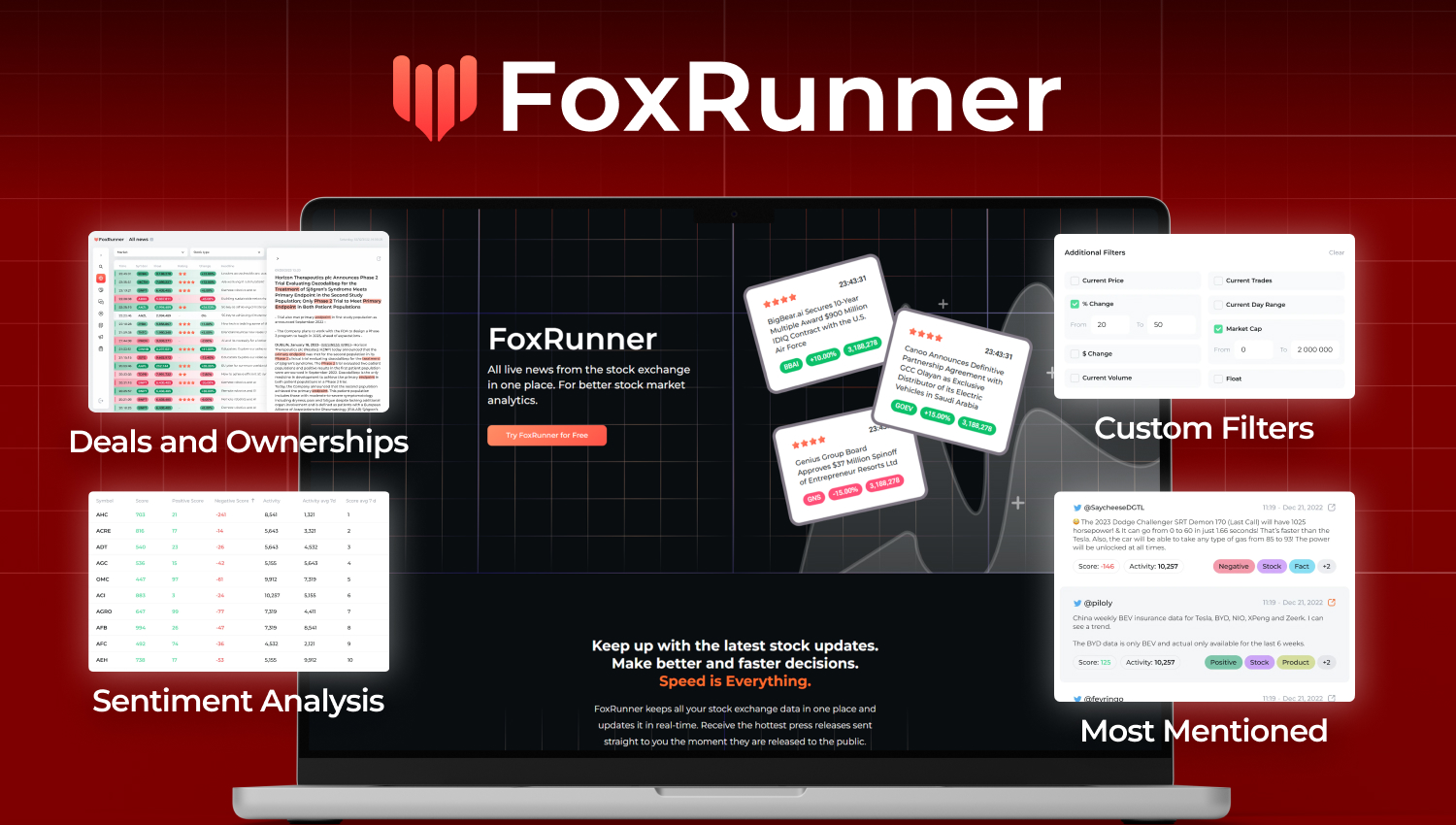
FoxRunner is a real-time stock market news aggregator and scanner designed to help traders stay ahead.
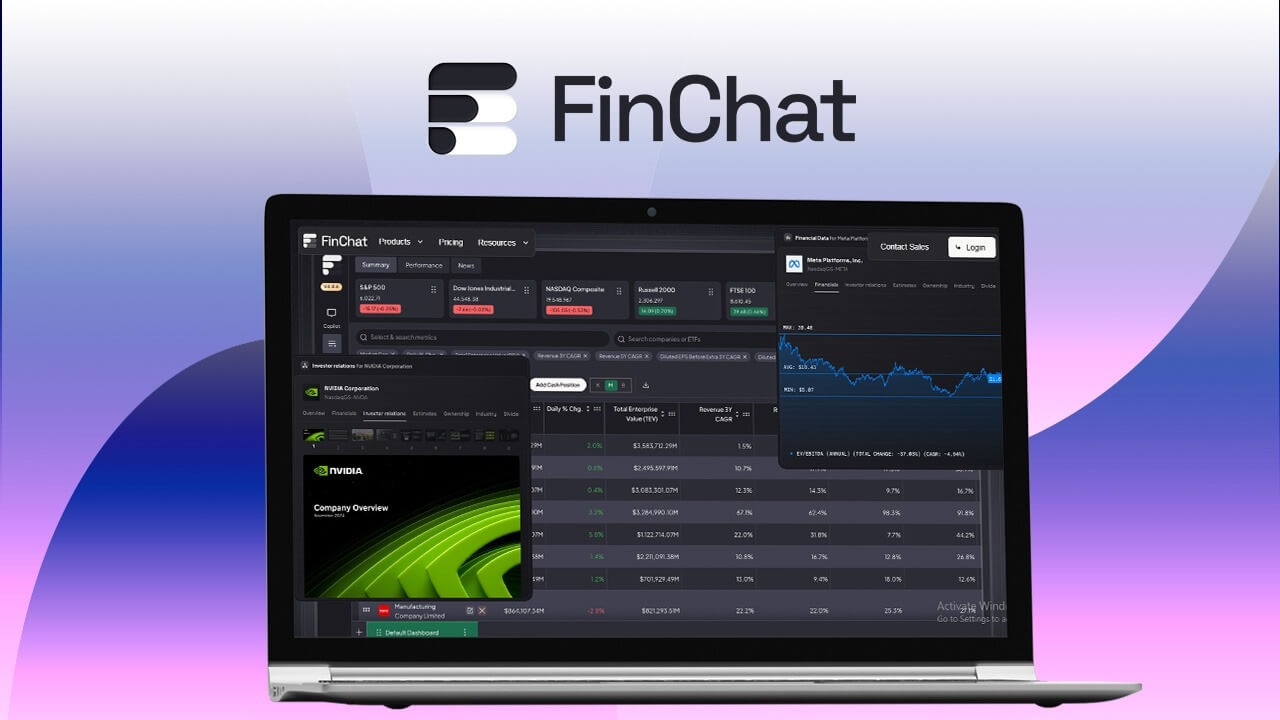
AI-powered research assistant for investors—analyze companies, track data, and surface insights instantly.

AI-powered stock scanner with real-time alerts and automated trading strategies.
No spam. Unsubscribe anytime. Used by professionals worldwide.